

You open your MacBook Air FlexGate to get some work done. The screen flickers. The bottom goes dark. Tilt it a little, and the display cuts off entirely. A reboot might help for a minute or two, then the problem comes right back. You might think it’s a software glitch. It’s not. This is a hardware failure at the hinge, and people call it FlexGate.
In this guide, we’ll break down what FlexGate actually is, why it happens, which models get hit the hardest and how to choose between Apple’s repair service and an independent technician. By the end, you’ll know where to spend your money and where to save it.
What Is FlexGate?
FlexGate is a display problem caused by a thin, ribbon-like flex cable that runs between your MacBook’s screen and its logic board. Every time you open or close the lid, that cable bends at the same spot. Bend anything enough times, and it wears out. The copper traces inside fatigue and crack, and the signal gets scrambled.
Watch for early signs. Flickering. Dark patches near the hinge. Catching it early makes the
repair faster and cheaper. When FlexGate hits, you might notice:
- Flickering or a completely dark screen at certain angles
- A “stage light” bad effect across the bottom side of the display
- The screen goes black if you open the lid too far
FlexGate first showed up in 2016 and 2017 MacBook Pro models because Apple used cables that were too short. They redesigned it later. But the same flaw crept into the MacBook Air lineup starting with the 2018 model, and it has even affected newer machines like the M1 and M2 MacBook Air.
Why FlexGate Happens
This isn’t caused by rough handling. It’s a design flaw that gets worse with normal use. Here’s what drives it:
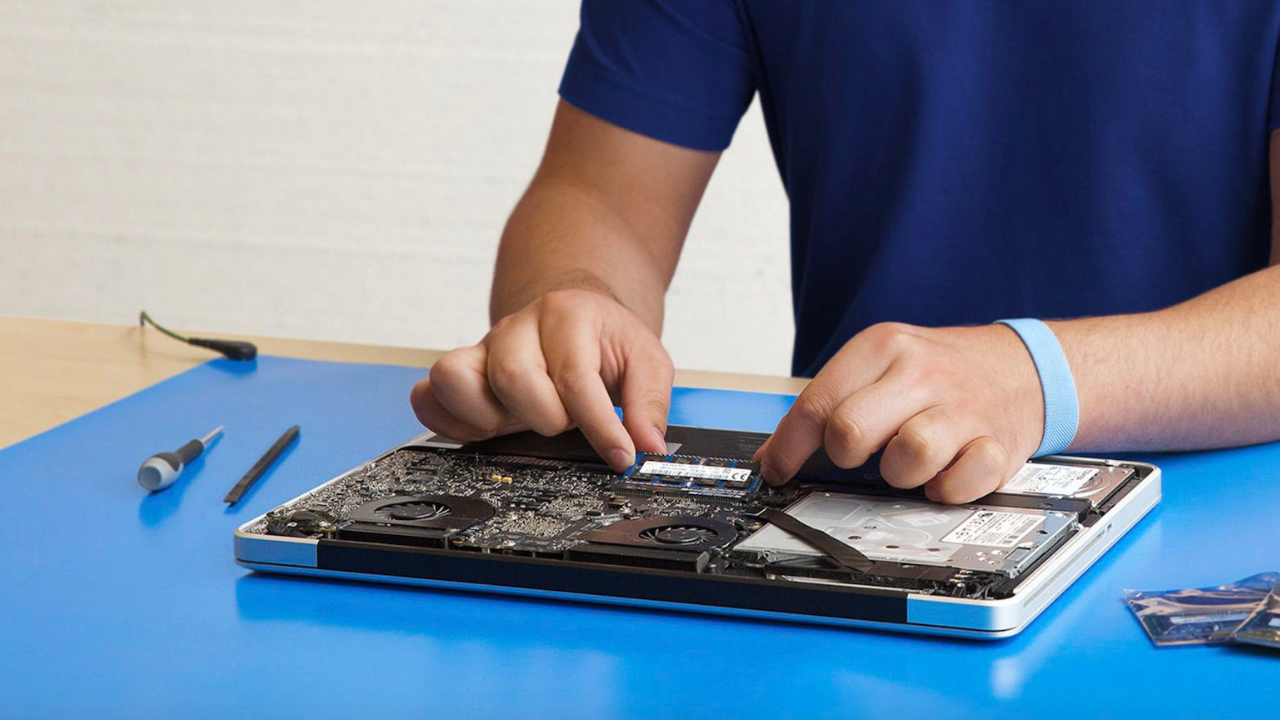
Mechanical Stress: Opening and closing the lid folds and stretches the cable near the hinge. Over time, that weakens it.
Overheating: Heat dries out the cable’s insulation and can warp the material itself.
Material Quality: Older cables, like the ones in the 2018 MacBook Air, were shorter and more fragile.
Wear Over Time: If you travel a lot or work on the go, the hinge sees more action, and the cable takes more abuse.
Which MacBook Models Are Affected?
Does FlexGate hit the MacBook Air? Yes. It started with the MacBook Pro, but the Air lineup wasn’t spared. Here’s what you need to know about the most commonly affected models.
MacBook Pro (2016)
This is where the FlexGate story began. Symptoms include uneven brightness (that “stage light” look) and the screen blacking out past a certain angle.
What to do: Reach out to Apple. Some 2016 MacBook Pro units qualify for Apple’s Free Display Backlight Service Program, also called the Loop Replacement Program. If you’re eligible, Apple swaps the display at no cost.
MacBook Pro (2017)
Apple made the cable a bit better, but FlexGate issues stuck around. Displays still flicker or go black after heavy use.
What to do: Check Apple’s website to see if your model qualifies for a repair program. If it doesn’t, get a quote from a trusted independent technician for a cable fix.
MacBook Air (2020)
FlexGate on the 2020 MacBook Air is less common, but it still happens. Users report flickering, dim lighting, or a total display loss at certain angles. The thin chassis puts extra pressure on the cable.
What to do: Apple hasn’t launched a repair program for MacBook Air FlexGate. Independent technicians can replace just the cable or the whole display if needed, for a lot less than Apple charges.
McBook Air (M1 and M2)
Even with updated designs, FlexGate cases still pop up on M1 and M2 MacBook Air models. Users see flickering or sudden blackouts after extended use or heat exposure.
What to do: If you’re covered by AppleCare+, call Apple Support for a diagnostic. If you’re out of warranty, find a reliable local technician who can replace just the cable. It’s faster and far cheaper than Apple’s full display replacement.
Read Also: Wellhealth How to Build Muscle Tag: The Ultimate Guide to Building a Stronger Body
How to Repair MacBook FlexGate
You have two main paths: Apple’s official service or an independent repair shop.
Official Apple Repair
Apple’s fix for FlexGate is straightforward, but it isn’t cheap. They don’t replace just the cable. They replace the entire display assembly. That guarantees quality, but it drives the price way up.
Cost and Coverage
Estimated cost: $500–$800
Warranty: Covered under AppleCare+ or an active service program
Time: Usually 5–10 business days
Pros and Cons of Apple Repair
Pros and cons of Official Repair
| Pros | Cons |
| 100% genuine parts | Expensive, especially out of warranty |
| Certified Apple technicians | Can’t repair just the cable |
| Full warranty and support | Longer turnaround time |
Apple’s repairs are reliable, no doubt. But paying close to half the price of a new MacBook Air just to fix a cable doesn’t make sense for a lot of people.
Independent Repair Shop
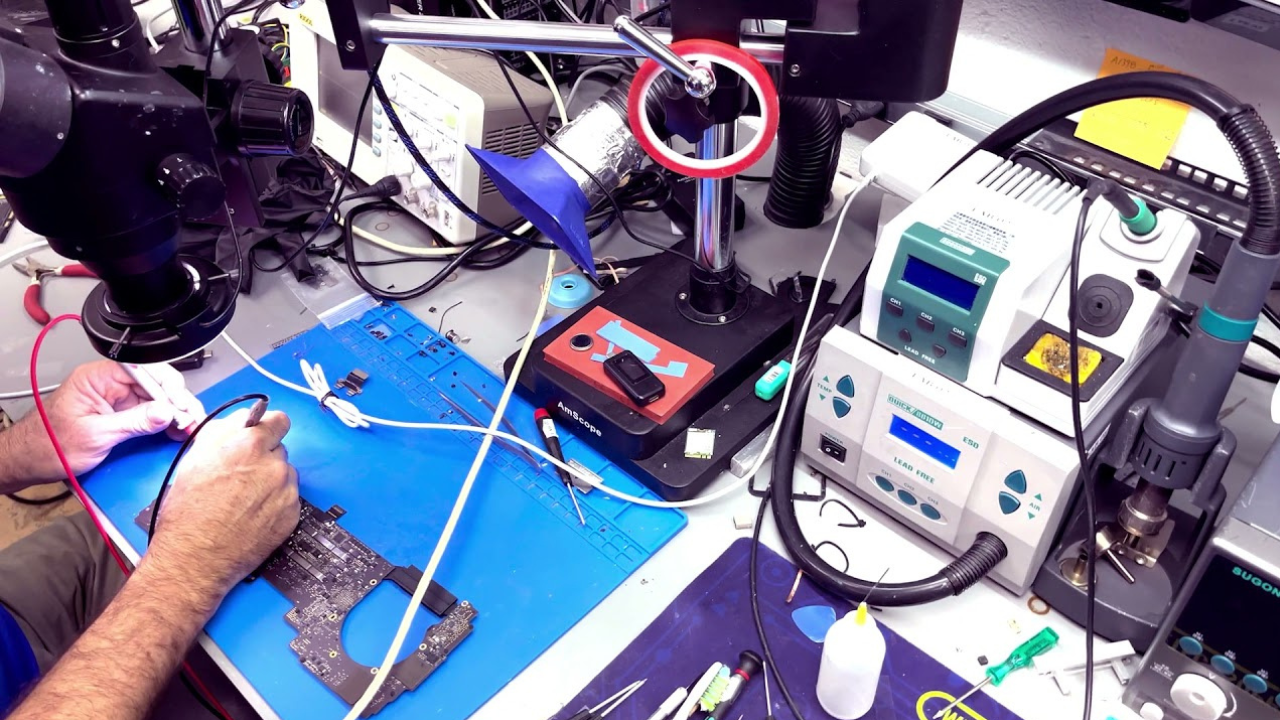
Independent shops take a different approach. Instead of swapping the whole display, they repair or replace the flex cable directly. A good technician opens the laptop, removes the damaged cable, and installs a replacement, usually OEM or high-quality third-party.
Cost and Turnaround
Estimated cost: $150–$350
Time: 1–2 business days
Warranty: Varies, usually 30–90 days
Pros and Cons of Independent Repair
| Pros | Cons |
| Much cheaper than Apple | Risk of low-quality parts if the technician is sketchy |
| Quick service | No official Apple warranty |
| Some offer same-day repair | Quality depends entirely on the technician’s skill |
In the U.S., reputable shops like uBreakiFix or Apple-certified specialists can handle FlexGate safely. Just confirm the parts quality and warranty terms before you hand over your laptop.
Apple vs. Independent Repair: Quick Comparison
| Feature | Apple Authorised Repair | Independent Technician |
| Repair Type | Full display replacement | Cable-only fix |
| Average Cost | $500–$800 | $150–$350 |
| Warranty | Yes (AppleCare / 90 days) | Varies by shop |
| Repair Time | 5–10 days | 1–2 days |
| Parts Quality | Genuine Apple | OEM or aftermarket |
| Risk Level | Very low | Moderate |
| Availability | Apple Stores / Mail-in | Local shops & online |
In the U.S., lots of skilled repair shops can fix your MacBook legally. No issue there. Ask about where they source their parts, what warranty they offer, and how much experience they have before you book.
Temporary Fixes and Workarounds
If your MacBook Air FlexGate issue is just starting, a few temporary steps can stretch out its usability until you get it fixed.
- Limit the lid angle. Keep the screen at the angle where it stays stable. Don’t force it open all the way.
- Use an external monitor. Plug in through USB-C or a hub. This sidesteps the failing backlight.
- Back up your data now. If the display gets worse, you don’t want to lose your work. Use Time Machine or a cloud service you trust.
- Keep it cool. Use the laptop on a hard surface and keep the vents clear.
- Handle the hinge gently. Don’t open the lid with one hand. That small habit change buys you time.
These won’t fix the core problem. But they can keep you going until you’re ready for a permanent repair.
How to Choose the Right Repair Option
So, Apple or an independent shop? Here’s how to decide.
Go with Apple if your warranty is still active or you have AppleCare+. You get genuine parts, certified technicians, and no guesswork. It’s the safest route if you don’t mind the price tag.
Go independent if your warranty is dead. Simple as that. You’ll save a chunk of money, and a good tech can knock it out in a day or two. Just make sure they actually know MacBooks — not every repair shop does. Ask what parts they use. Ask how many of these they’ve fixed before. If they dodge the question, walk away.
One thing worth knowing: under U.S. Right to Repair laws, a qualified technician can legally fix your MacBook Air without messing up your device rights. So don’t let anyone scare you into thinking only Apple can touch it.
Tips Before You Get Your MacBook Air Repaired
- Back up everything before sending it in.
- Ask if the shop has fixed this exact issue before.
- Get a written estimate and warranty terms in writing.
- Check Apple’s repair programs — they sometimes add new models.
- If you’re mailing to Apple, peel off any stickers or skins before you pack it.
Final Word
FlexGate is annoying. There’s no way around that. But it doesn’t have to drain your wallet or leave you without a laptop for weeks. You have options. Apple will fix it right, no doubt, but you’ll pay for the whole display even when only a cable is bad. Independent technicians can swap just the cable, save you hundreds, and get your MacBook back in a day or two. The catch? You need to find someone who actually knows what they’re doing. Ask questions. Check reviews. Get everything in writing. Whether you go with Apple or a local shop, back up your data first, and don’t wait too long. A flickering screen today can turn into a black screen tomorrow. Act fast, choose smart, and you’ll be back to work without the headache.
Read More: ERP GEHU: How Graphic Era Hill University Runs Everything Online
