

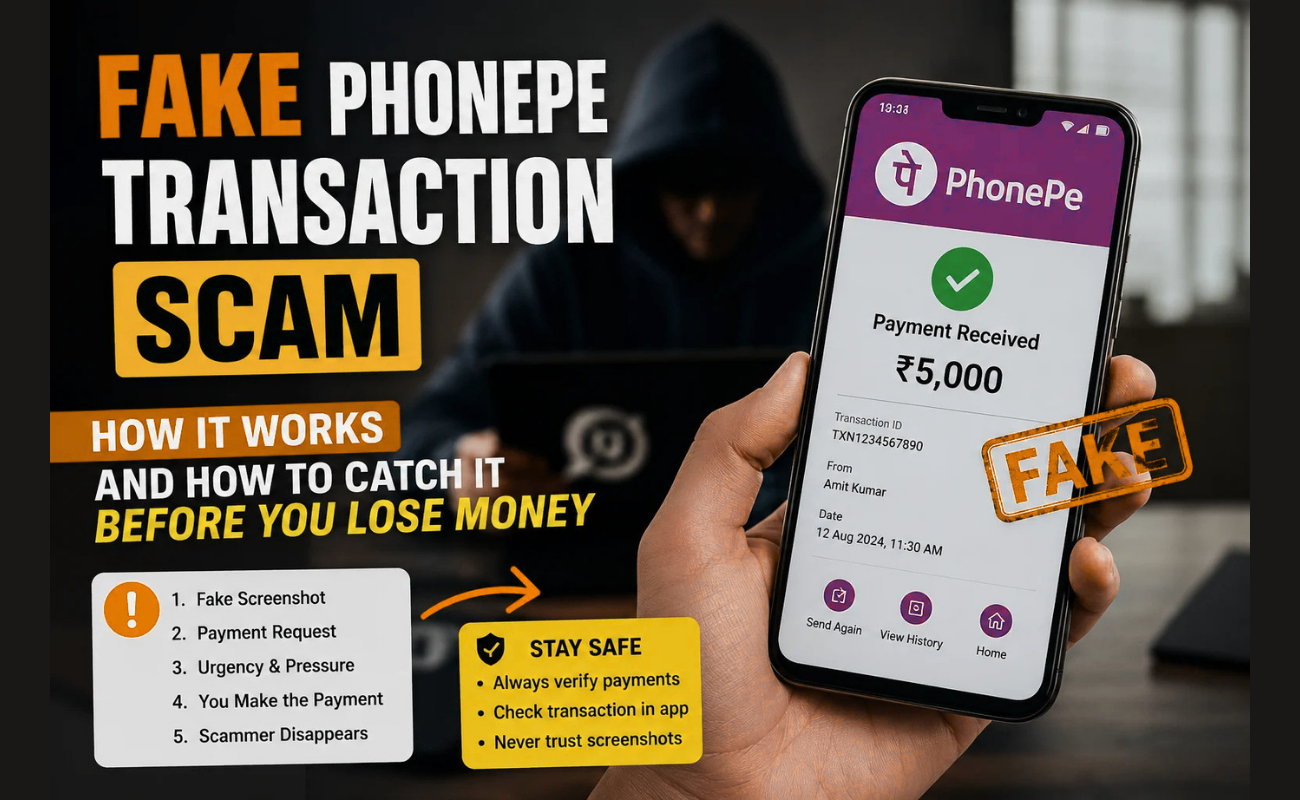
“UPI fraud continues to grow each year as fraudsters devise new methods to defraud consumers” is a common refrain among banking and cyber-safety experts in India.Present a scenario of a customer who spent ₹800 on vegetables in your cart, provided you with a “Payment Successful” screen on their phone, thanked you, and left. Later in the evening, when you check the balance on your PhonePe, you realize that your money has not arrived.
Now, this is how a fake PhonePe transaction scam works. They share screenshots that have been altered, create an identical app or steal the payment generation screen from the real PhonePe website to display a payment screen that appears just like a true confirmation. They are usually focused on shopkeepers, vegetable vendors, cab drivers and small business owners, as this means that funds are accepted on the spot and there is little time to verify.
Read on to understand how a fake PhonePe transaction is made, how to identify it in seconds and how to make sure you don’t lose your money.
What Is a Fake PhonePe Transaction?
A fake PhonePe transaction is an illegitimate payment confirmation issued to give the impression that a legitimate PhonePe payment has been made, but actually it is not. The scammers use photo editing software, websites to generate screenshots, or a fake version of the PhonePe app.
It’s easy to say, but hard to do: make you think the payment is made so before you even look at your bank account, you give them goods, services, or cash. When you discover the purchase wasn’t made, the scammer is gone.
Fake PhonePe Scams 101: Real Life Examples. Let’s look at some examples of scams using the PhonePe app.
Real-Life Examples of Fake PhonePe Scams
The first example is of a mobile repair shop in Pune. The first example is with a mobile repair shop in Pune.
One of the customers presented for a cell phone repair shop with a mobile phone that needed a screen change. The repair cost ₹2,500. After the repair, the customer stated that he would be paying the repair shop via PhonePe and provided a picture of the payment details to the repair shop with a green tick mark, amount, and transaction ID. The shop owner gave the phone back to the customer, thinking that it had the right screen. He checked his PhonePe account later in the night and there was no such transaction. It was a fake screenshot, made using an editing program.
How it could’ve been avoided: Ensure to wait for the balance to update on PhonePe’s app or for a notification to appear on your phone. Whatever the screen may look like, don’t rely on the customer to do the job.
The Auto Driver is the second example in Bengaluru.Auto Driver is Bengaluru’s second example.
The car owner dropped off a passenger who alleges that he paid the fare from the PhonePe app. He displayed a “Payment Successful” screen that included the driver’s name as well as the proper fare. The passenger hurriedly got off, stating he was in a hurry. The driver subsequently came to find out that his payment had not been credited. The fraudster was using a fake payment app that enabled him to put any name and amount in to make a realistic-looking screen.
How Fake PhonePe Transaction Scams Work (Step-by-Step)
Scammers typically do this like this:
- Choose the target: scammers will pick a busy person or have several customers talking to them (the store owner, delivery guy, etc.).
- Pay through PhonePe: They scan a QR code or request UPI ID as you would from any other customer.
- Set up a fake screen: They feign a payment, then lead users to a fake successful payment screen through the use of a payment app that is not real, a fake screen, or a payment website that appears to be real.
- Show and leave: They’ll be able to present a fake screen very quickly, before you can catch up on your real balance.
- Then you realise it’s when you log in your PhonePe app or look at your bank statement that you realize that no money ever came.
Read Also: What Is an LIS Portal? An Ultimate Guide to Library and Information Science Resources
Warning Signs of a Fake PhonePe Transaction
| Red Flag | What It Means |
| No sound or notification on your phone | A real PhonePe payment always triggers an alert — silence is a warning sign |
| No change in your PhonePe balance | The screen shown to you is fake |
| Screenshot looks slightly off (odd font, blurry logo) | Could be an edited image, not a real payment page |
| Transaction ID doesn’t match anything in your app | A genuine payment always appears in your own transaction history |
| Person rushes you or asks you to hurry up | A common trick to stop you from checking properly |
How to Verify a PhonePe Payment Is Real
- Search in their app and not yours: Open the PhonePe app and search for the transaction instead of on a screen that’s being shown to you.
- Notification within seconds: All real payments will be received with a phone call and SMS from the bank within seconds.
- For a transaction ID/transaction reference number, and confirm if it is in the transaction history.
- Use a UPI sound box: They will notify you verbally as soon as you receive cash, so that you don’t get confused.
How to Spot a Fake Payment App Before It Fools You
- Unknown apps: If someone requests to “check” a payment on an unfamiliar app or website, it’s a red flag.
- Beware of the content in WhatsApp or gallery screenshots, as it can be manipulated in a matter of a few seconds using simple photo editing software.
- If it sounds like a rush, it is a rush: The scammers will do their best to rush you so you don’t have time to do an investigation.
- Look for the real PhonePe branding: There will be some glaring differences with the colour, font, or layout of the app.
How to Protect Yourself from Fake PhonePe Scams
- Allow payments in sound box: Make sure your phone or UPI sound box notifies you every time you make a valid payment.
- Confirm before giving out: Check the balance before handing over goods/service or before it is complete.
- Train staff and family: Share the verification practice with staff and family if someone else is paying for something in your store or business.
- If you find a fake payment app on the Play Store, App Store, or cybercrime.gov.in, you should report it as a suspicious app.
- Don’t give your UPI PIN to anyone: Do not provide your UPI pin to anyone, even to say to confirm the payment.
What to Do If You’ve Been Scammed
- First things first — don’t panic. It happens to a lot of people, and the sooner you act, the better your chances of fixing things.
- Start by writing down whatever you remember about the scammer. Their name, phone number, what they looked like, even their vehicle number if you saw it. The more details you have, the easier it is for the cops to track them down. Don’t rely on your memory alone — jot it down while it’s fresh.
- If the scam happened through PhonePe, use the “Report an issue” option right inside the app. It’s there for a reason, and the sooner you flag the transaction, the faster they can look into it.
- Next, take everything you’ve got — screenshots, witness details, whatever proof you have — and head to the nearest police station or cyber cell. Don’t wait around thinking it’s too small to report. If someone stole your money, it’s worth filing a complaint. The police need something solid to work with, so bring whatever evidence you’ve collected.
- If there was CCTV footage anywhere near where the scam happened, make sure you get a copy or at least ask them to preserve it. That footage could be the one thing that actually identifies the person who did this.
- Lastly, call your bank immediately. Tell them exactly what happened and ask them what to do next. They can freeze your account if needed, block any suspicious activity, and make sure your money stays safe from here on. Don’t skip this step — your bank is your first line of defense once something goes wrong.
- The bottom line is: act fast, keep records, and don’t feel embarrassed about reporting it. Scammers rely on people staying quiet. Don’t give them that satisfaction.
Final Word
Fake PhonePe transaction scams are successful because they are quick and trustworthy; that is, the scammer wants you to feel it is a transaction is completed before you have the opportunity to verify. The easiest form of protection is to make it a habit to check that the funds have gone to your account – not somebody else’s screen.
Report the fraudulent payment app immediately and warn others around you if you come across this type of payment app and if you have lost money. You can share this knowledge with other shop owners, drivers and family to help prevent the next person from being taken in.
Read More: Become a Myntra Seller in 2026: A Complete Guide for Sellers
