


If you’ve ever tried logging into the GST portal and hit a wall, you’re not alone. The GST website (gst.gov.in) goes down more often than it should, and when it does, it throws a wrench into everything—filing returns, checking compliance, updating registration details. The timing is never good. It’s always right before a deadline when the stress is already high.
The good news is that most of these problems aren’t as complicated as they seem. A few simple fixes can get you back in. This guide walks you through what’s actually going wrong and what you can do about it in 2026.
Why Is the GST Website Not Working?
Before you start panicking or calling your CA, it helps to understand why the portal acts up.
Here are the most common reasons:
Too many people at once. The GST portal handles millions of users daily. During filing deadlines—especially the 20th, 25th, and last day of the month—the servers get hammered. It’s like trying to squeeze through a door with a hundred other people.
Browser issues. The portal doesn’t play nice with every browser. Chrome usually works best, but even then, old versions or cached data can cause problems. Internet Explorer is basically dead for this site. Firefox works but needs the right settings.
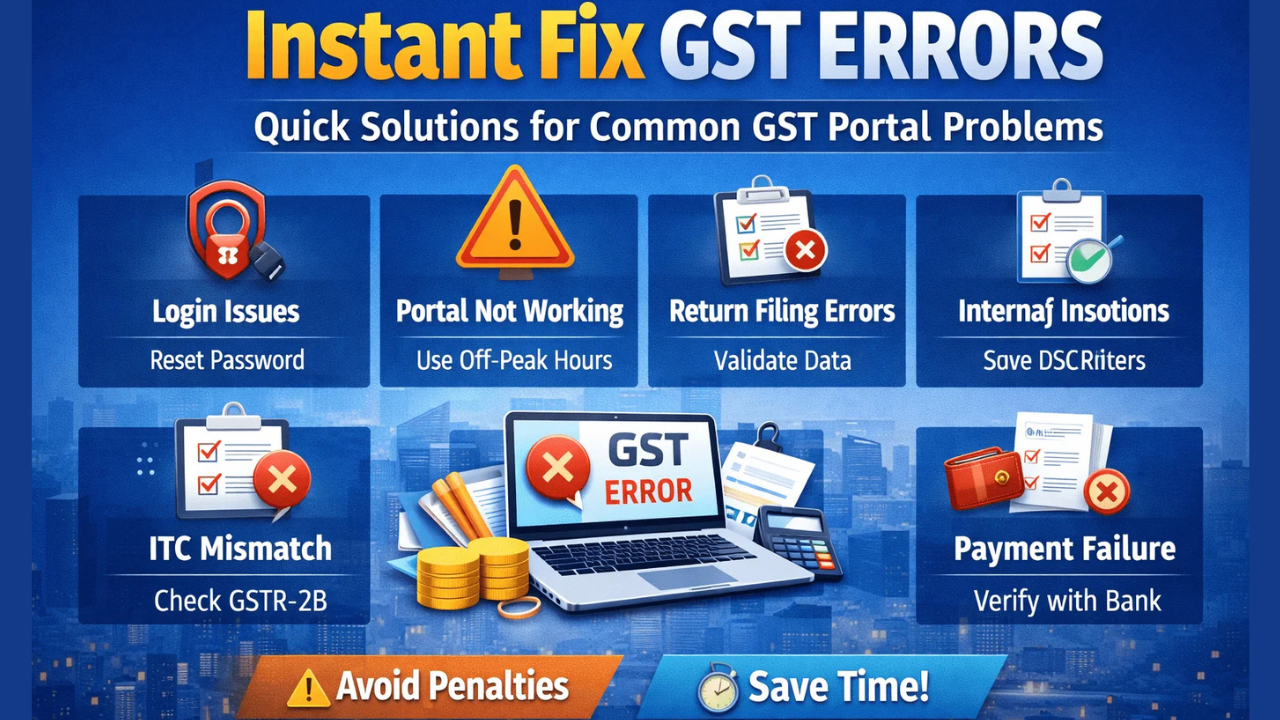
Cache and cookies. Your browser stores bits of data from websites to load them faster. Sometimes that stored data gets corrupted and blocks access to the portal entirely.
Digital signature problems. If you use a DSC (Digital Signature Certificate), things get trickier. The emsigner utility, Java plugins, and USB token drivers all need to be in sync. One broken link in that chain and you’re stuck.
Network restrictions. Corporate firewalls, university networks, and even some ISPs can block parts of the GST portal without you realizing it.
Server maintenance. The GSTN team does scheduled maintenance, usually announced in advance. But sometimes the site goes down without warning.
GST Website Not Working in Chrome? Here’s How to Fix It
Chrome is the go-to browser for most people, but it still has its moments with the GST portal. Try these fixes one by one:
Clear your cache and cookies. Open Chrome, click the three dots in the top right, go to “More tools,” then “Clear browsing data.” Select “Cookies and other site data” and “Cached images and files.” Set the time range to “All time” and hit clear. Restart Chrome and try again.
Turn off extensions. Some browser extensions mess with how websites load. Type chrome://extensions/ in your address bar, disable everything, and reload the GST site. If it works, turn extensions back on one by one to find the troublemaker.
Update Chrome. Old browsers don’t just slow you down—they break things. Click the three dots, go to “Help,” then “About Google Chrome.” It’ll check for updates and install them automatically. Try incognito mode. Open a private window and visit the portal. If it works there, the problem is likely your cache or an extension.
Turn off hardware acceleration. Head to Settings > Advanced > System, flip the switch and restart Chrome.
Reset Chrome settings. If nothing else works, go to Settings > Reset settings and restore defaults. Your bookmarks and passwords stay safe.
Read More: MSSC HRMS: Seamless HR Access and Employee Support
GST Website Not Working on Mobile
The GST portal wasn’t really built for phones. It works, but it’s clunky. Here’s how to make it less painful:
On Android: Open Chrome, tap the three dots, and select “Desktop site.” The mobile version of the portal often fails to load properly. Also, check that your date and time are set to automatic—manual settings can trigger SSL certificate errors. Clear the Chrome app cache in your phone settings if needed.
On iPhone: Safari can be picky. Try switching to Chrome and requesting the desktop version. Go to Settings > Safari and turn off “Prevent Cross-Site Tracking.” Clear your history and website data, then log in fresh.
Mobile data vs. Wi-Fi: If the portal works on one but not the other, your network settings might be the issue. On mobile data, try switching your DNS to Google DNS (8.8.8.8). On Wi-Fi, your router’s firewall might be blocking scripts. Test with a mobile hotspot to confirm.
GST Website Not Working in Internet Explorer or Firefox
Internet Explorer is retired. Microsoft stopped supporting it, and the GST portal has mostly dropped it, too. If you’re stuck on an old system, use Microsoft Edge with IE mode instead. Or just switch to Chrome.
For Firefox: Go to Settings > Privacy & Security. Change “Enhanced Tracking Protection” from Strict to Standard. Clear your cache under Privacy > Clear Data. Turn off any security add-ons temporarily. Update Firefox to the newest release.
Digital Signature Not Working on the GST Website
This is where things get really frustrating. DSC issues are common, especially after Windows updates or browser changes.
In Chrome: Chrome doesn’t support Java applets anymore, so you need the emsigner utility. Grab the newest version straight from the GST portal. Run it as administrator. Make sure your USB token driver is installed—check your DSC provider’s website (eMudhra, Sify, NSDL) for the right one. The emsigner service should be active on port 1585.
In Internet Explorer: Since IE is outdated, its security settings often block the DSC utility. Add gst.gov.in to your trusted sites under Internet Options > Security. Drop the security level on trusted sites for a bit. But honestly, the best fix is moving to Chrome or Edge with emsigner.
GST Website Not Working at Night or During Peak Hours
If the online portal is not crawling or loading at all during deadline week, it’s probably just overloaded. These servers can only handle so much traffic.

You have to try logging in early morning, between 5 AM and 8 AM, when fewer people are online. Then, check the official GSTN Twitter or NIC status page for downtime announcements. Use the GST offline utility to prepare your return, then upload it when traffic eases. Save your work locally so you don’t lose progress if the site crashes.
GST Website Not Working on Your Network or Outside India
Corporate or university networks: Firewalls and proxy settings often block government portals. Please request your IT admin to add the gst.gov.in domain to the Whitelisting List and its sub-domains. Under System > Open your computer’s proxy settings, disable the manual proxy setting in Chrome. Test by connecting with a cell phone hotspot: if it works there it is a network restriction.
During the time outside India: NRIs and foreign consultants are not able to access the portal. Foreign IP addresses may be blocked and/or flagged on the site. Go for a good VPN with an Indian server (Mumbai or Delhi). Stay clear of free VPNs, as they’re slow, blocked and dangerous on government sites.
When to Contact GSTN Support
If all else fails, go to the official line:
- Call the GSTN helpdesk: 1800-103-4786
- To raise a ticket, visit: helpdesk.gst.gov.in
- Email: helpdesk@gst.gov.in
- Come to a GST Seva Kendra for personal assistance
When you reach out to them, have your GSTIN handy, as well as information on your browser, operating system, a screenshot of the error, and the time at which it appeared. The more details you can provide, the quicker they can assist you.
Final Word
The GST portal isn’t perfect. It goes down, it lags, and it tests your patience. But most of the time, the fix is in your hands—clear a cache, switch a browser, update a driver. The key is not to panic and work through the possibilities one by one.
If it’s a server issue on their end, all you can do is wait. Check for official announcements, file early when possible, and keep a backup plan. October deadlines will always bring traffic spikes. The people who plan are the ones who sleep better.
And if nothing works, pick up the phone. The helpdesk exists for a reason. Sometimes you just need someone on the other end to tell you it’s not your fault.
Read More: Capital First Login: Complete Guide to Access and Manage Your Account
